Grandstream UCM IP PBX – Sync LDAP feature on Peer Trunks

Description This article describes the steps by steps in syncing a local LDAP Phonebook to a remote SIP Peer trunk in Grandstream IP PBX UCM.
Description This article describes the steps by steps in syncing a local LDAP Phonebook to a remote SIP Peer trunk in Grandstream IP PBX UCM.

Description In an IP phone system, audio delay can occur due to network latency, jitter, and packet loss. In addition, audio codecs and processing that are used in IP phone systems can also contribute to audio delay. To reduce audio delay in IP phones, network administrators can use Quality of Service (QoS) techniques to prioritize … Read more
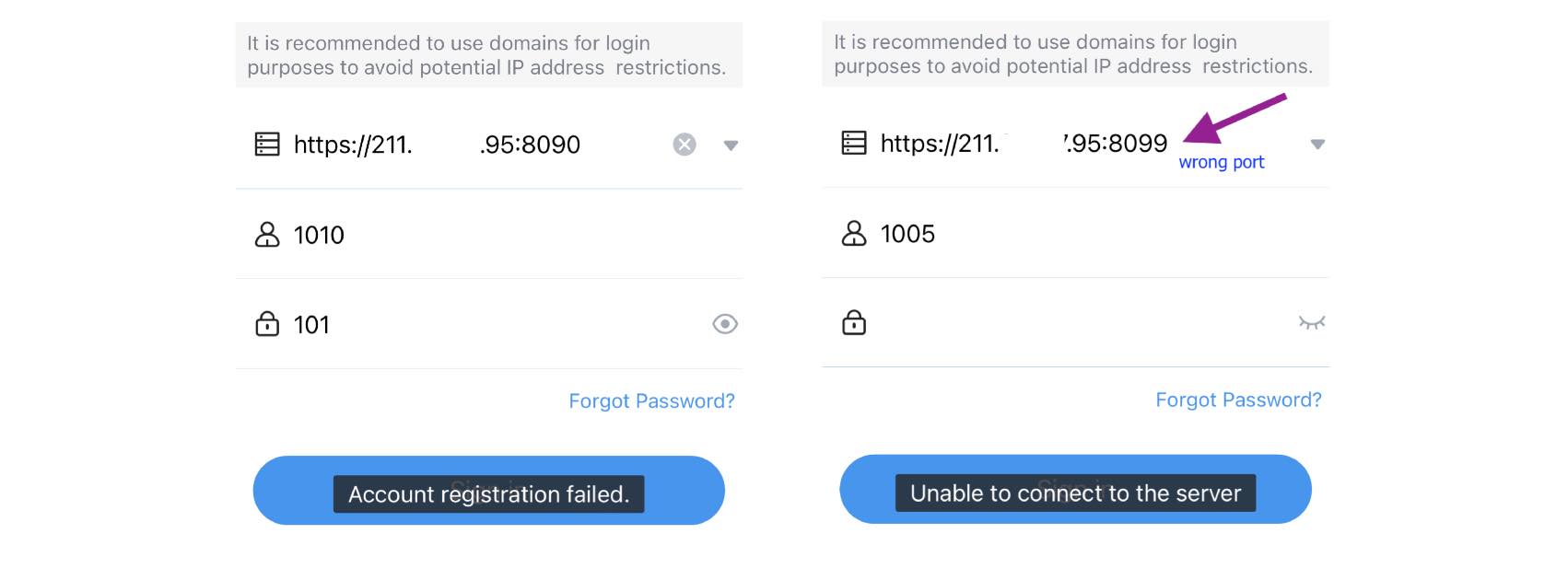
Description When Grandstream IP PBX UCM63XX is used in remote work without Remote Connect service (UCMRC), there are certain network settings required to allow Grandstream Wave Mobile application login via UCM’s Public IP addresses; otherwise, you will get login errors such as ‘Account Registration Failed’ or ‘Unable to connect to the server’. Configure the ports … Read more
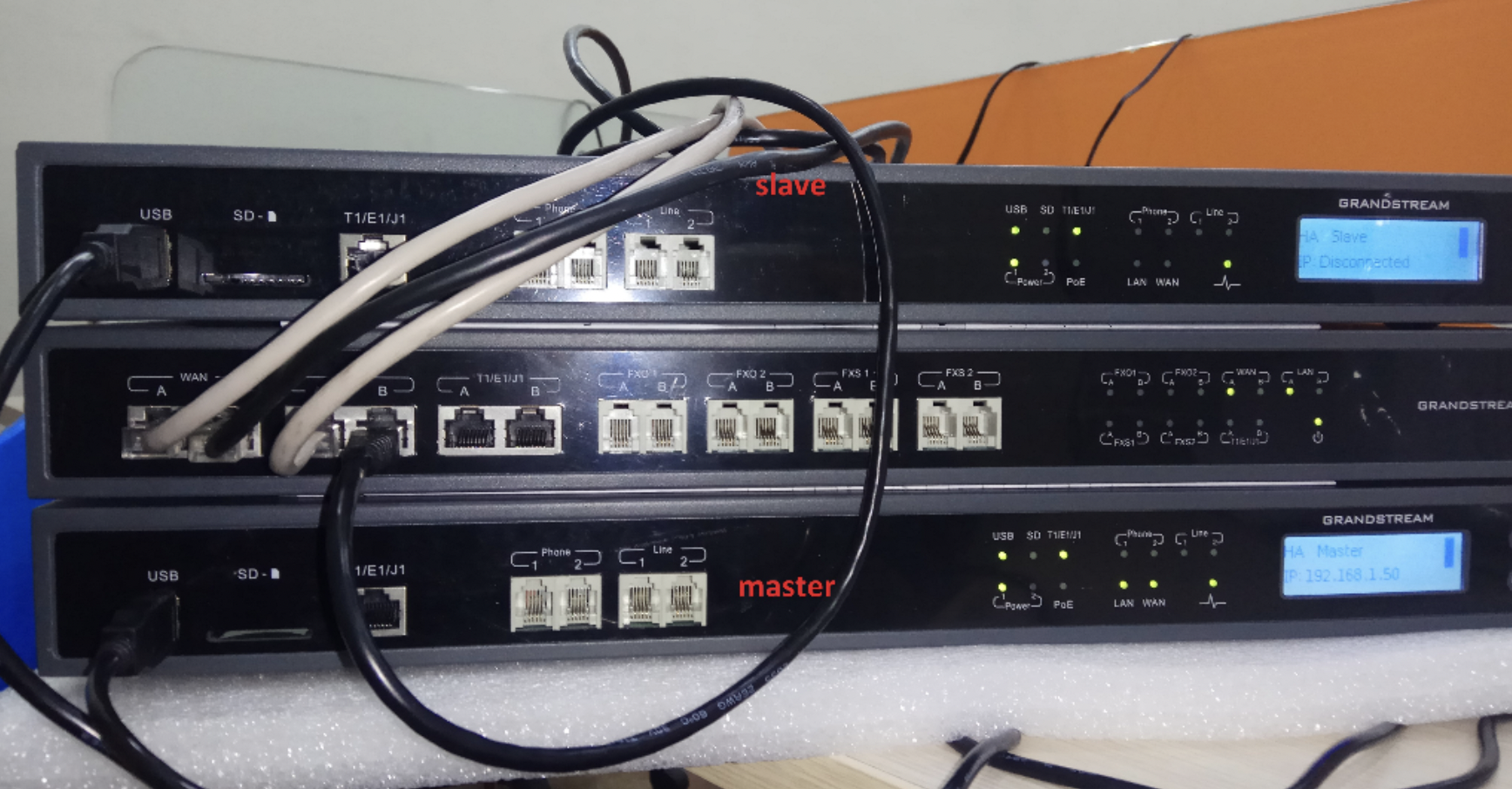
Description The Grandstream HA100 is a high availability IP PBX solution designed for small to medium-sized businesses. It allows for the creation of a redundant system with two Grandstream PBX UCM6510 that can automatically switch over to a secondary system in case of a primary system failure. It also supports automatic failover for SIP trunks … Read more

Description This article describes the steps to troubleshoot the Grandstream IP Phones that are stuck at ‘Recovery Incomplete’ or ‘Firmware Initialising’ upon boot up. This is commonly found in GXP16XX series IP Phones – GXP1610, GXP1620, GXP1625, GXP1628 and GXP1630. Cause The error is caused by power failure or disruption during a firmware upgrade or … Read more

Description This article describes the list of ports required to setup IPVideoTalk in a closed network: Web home page & Web account portal www.ipvideotalk.com:80 account.ipvideotalk.com:80 WebRTC xmeetings.ipvideotalk.com:10080 meetings.ipvideotalk.com:80 GVC32XX need config api.ipvideotalk.com:80 pro.ipvideotalk.com:30000 pro.ipvideotalk.com:30001

Description This article describes the behavior when Grandstream Analog Telephone Adapter (ATA) is set in Bridge mode. When the ATA HT8XX series is configured in Bridge mode, the devices connected to its LAN port will behave similarly to any devices connected to a switch; they will obtain the IP addresses from the DHCP server and … Read more
Description This article describes the list of ports required for H.323 video calls in Grandstream Conferencing GVC32XX. 389 statique – TCP ILS Registration (LDAP) 1503 statique – TCP T120 1718 statique – TCP Gatekeeper Discovery 1719 statique – UDP Gatekeeper RAS 1720 statique – TCP H323 Call Setup 1731 statique – TCP Audio Call Control … Read more

Description This article illustrates the scenario when the caller requests Call Completion when called party is busy with Grandstream IP PBX UCM6XXX. You may refer to the complete guide here. By default, when the Call Waiting feature is disabled at the Extensions and IP Phones, the Call Completion request works only on unanswered or timeout … Read more

Description This article describes Grandstream Android Phone GXV32XX as being not responsive when receiving incoming calls. The users are unable to answer or pick up calls from the LCD call screen. This scenario is seen after UCM firmware upgrade. Workaround Please try one of these methods: a. Go to UCM63XX’s WEB UI > Extension > Media > … Read more