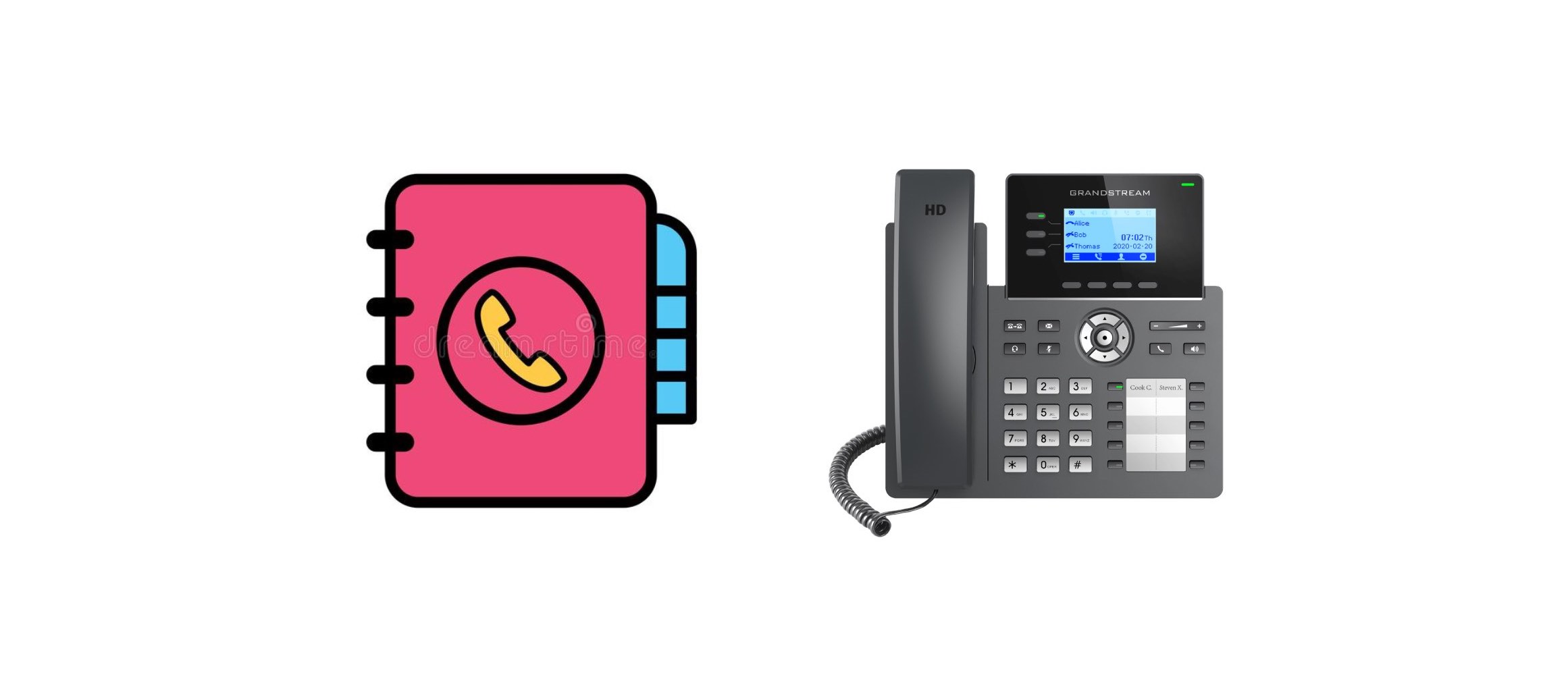
Troubleshooting the ‘CPE Connection Failed’ Warning on Grandstream IP Phones
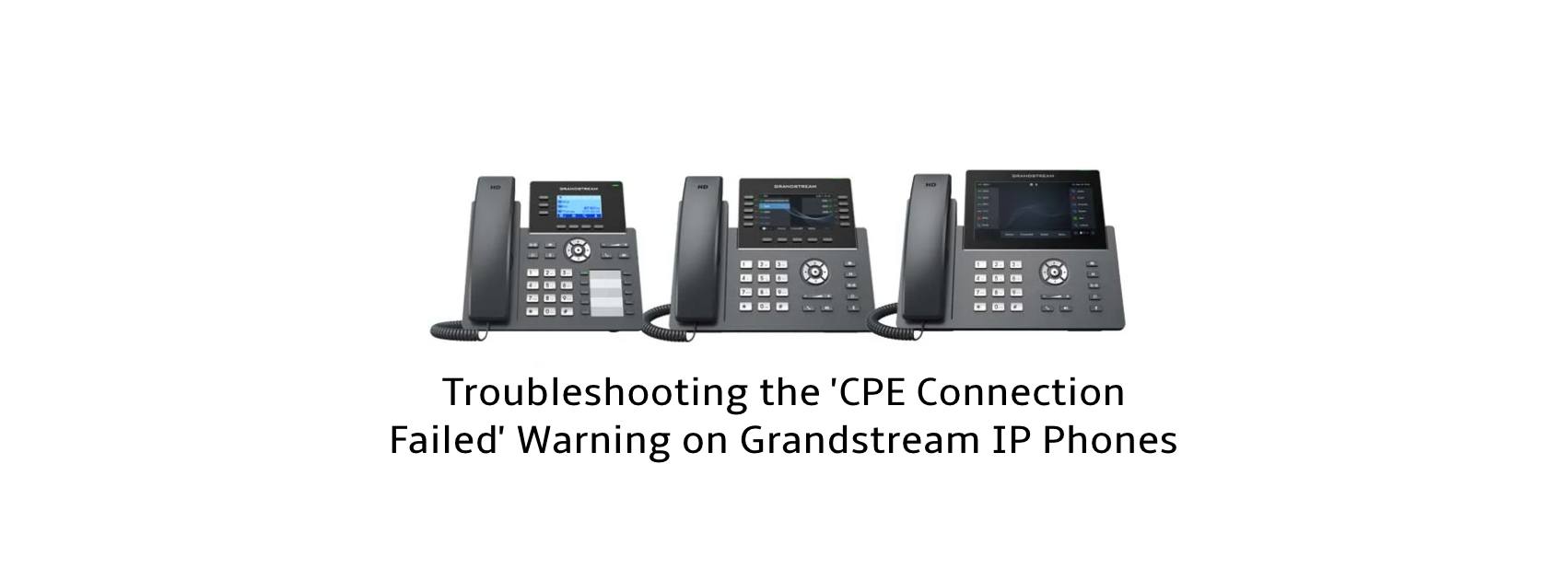
Understanding the CPE Connection Failed Warning and How to Address It If you’ve encountered a CPE Connection Failed warning on your Grandstream IP phone, you might be wondering what it means and how to resolve it. In this article, we’ll break down the cause of this warning and provide a simple solution to prevent the … Read more

Grandstream IP Phones GRP26XX LDAP Phonebook with Bicom Systems

GRP26XX LDAP Phonebook with Bicom Systems

Description This article describes the configuration parameters in the GRP26XX series’s LDAP phonebook with Bicom Systems. How to The parameters below are required when configuring LDAP Phonebook: Server Address Port Base Username Password LDAP Number Filter LDAP Name Filter LDAP Name Attributes LDAP Number Attributes LDAP Display Name

Grandstream GRP260X: Does IP Call need a SIP account?

Grandstream GRP260X direct IP Calls

Description This article describes how IP calls work in Grandstream GRP260X. According to the developers, a SIP account is required to register onto phones in order to run the SIP stack for the IP calls. The receiving endpoints need to disable the Use Random Ports option. The default SIP Port for IP calls is 5060. … Read more

Configure Apache Web Server as Phonebook Server with Grandstream Phones

Configure Apache Web Server as Phonebook Server with Grandstream Phones

Description This article describes the steps on how to configure Apache Web Server as Phonebook Server in Grandstream IP Phones. Install Apache Web Server in Ubuntu Virtual Machine Step 1: command sudo apt-get update Step 2: command sudo apt install apache2 Step 3: command chmod –R 777 /var/www At Apache server Step 1: Copy phonebook.xml to the folder … Read more

Call Drop With Grandstream GXV3350 And Fanvil SIP Indoor Station

Description There is a call drop issue that involves Fanvil Indoor Station and Grandstream GXV3350 registered through UCM63XX. Missed calls are shown on the Fanvil SIP Indoor Station. However, a call goes through if it is dialed from GXV3240. Analysis We manage to capture the packets from UCM and analyze both good and bad calls … Read more

How to Configure Self-Defined Time Zone in Grandstream Phones

Description You may find the phone’s admin guide a little confusing when it comes to Self-Defined Time Zone setting under Date and Time Setting. This article shows you the steps to complete How to a. Navigate to the phone‘s web interface > Setting > Preferences > Date and Time b. Time zone: select Self-Defined Time … Read more