Configure Remote PMS Wakeup Call in Grandstream IP PBX UC

Grandstream UCM on how to Configure Remote PMS Wakeup Call

Description A wake-up call refers to a service provided by hotels or accommodations to wake up guests at a specific time as per their request. It is a feature commonly found in hospitality management software or PMS (Property Management System) platforms. Wake-up calls are often used by guests who have early morning commitments or need … Read more
Grandstream Wave iOS Crash Application Log

Description Grandstream Wave is a softphone application that allows users to make and receive phone calls over the internet using a computer, smartphone, and web browsers. This article describes the troubleshooting steps when the application crashes on iOS devices (such as iPhones and iPads). 1. Go to iPhone > Settings > Wave > Disable Contacts. … Read more

HA Configuration Network Topology in Grandstream IP PBX UCM

Network Topology HA in switch mode Grandstream IP PBX UCM

Description Starting 1.0.23.x, Grandstream IP PBX UCM supports High Availability (HA) in Route mode. This article describes an example network diagram of HA in Route and Switch mode. HA in Route Mode The full user guide can be found under HA Configuration Using “Route” Mode section. The steps describe the topology below: HA in Switch … Read more

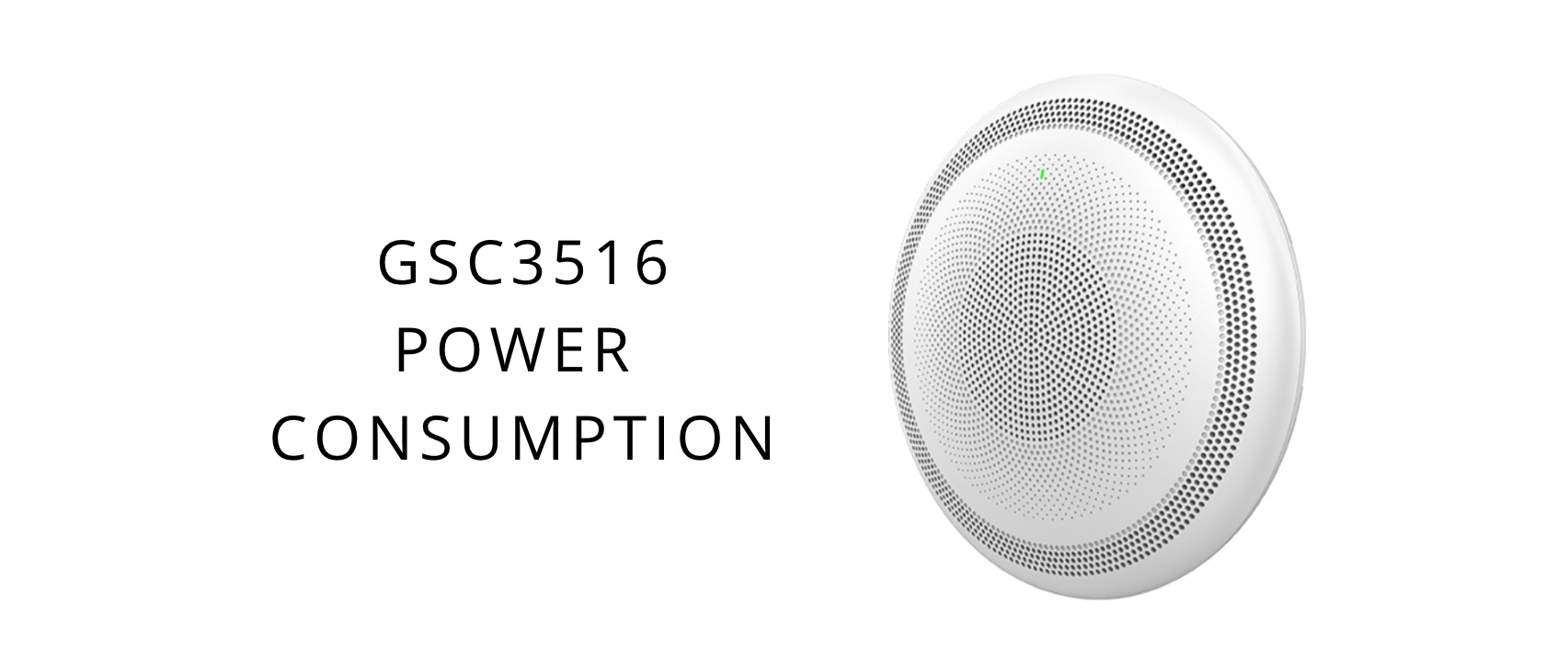
Power Consumption of Grandstream SIP Speaker GSC3516

Power Consumption of Grandstream SIP Speaker GSC3516

Description The Grandstream SIP Speaker GSC3516 is a SIP/Multicast Talk-Back Speaker that offers 2-way voice functionality with both a high-fidelity 15W HD speaker and 3 directional microphones and 1 omnidirectional auxiliary microphone that offers a 4.2-meter pickup distance. This article describes the maximum power of GSC3516 as 13.59W(48V DC), and the average power is 4.2W. This … Read more

Slowness issue in Grandstream IP Phone GRP261x series

Description Slowness in IP phones can be attributed to various factors. This article suggests the troubleshooting steps to address slowness and sluggish issues in Grandstream GRP2612 or GRP2613 IP Phones: 1. Disable CPE (TR-069) under System Settings 2. Disable ‘Send SIP Logs’ and ‘Auto Recovery from Abnormality’ under Maintenance > System Diagnostics > Syslog 3. … Read more

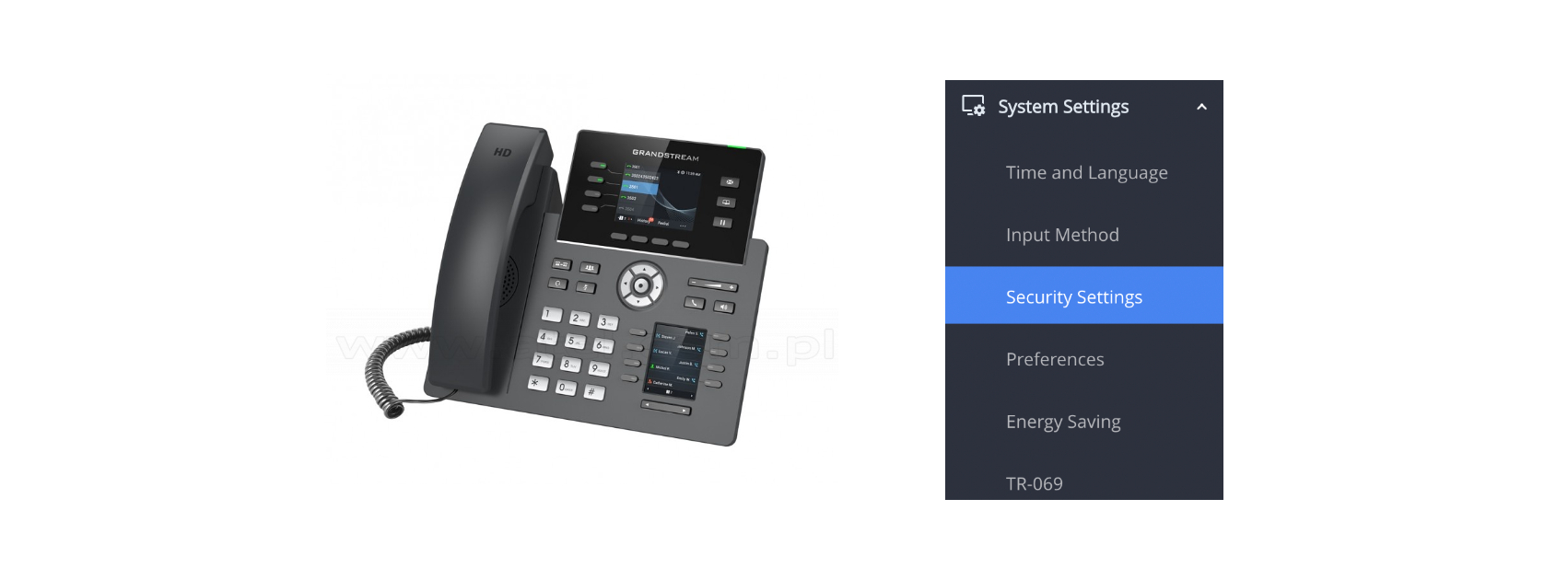
Understanding the Certificates Security Settings in Grandstream IP Phones GRP261x series

Understanding Security Settings in Grandstream IP Phones GRP261X

Description This article briefly describes the Security Settings parameter in Grandstream IP Phones GRP261x series. It is important for debugging when the phones are registered via TLS/SSL. ‘Validate Server Certificates‘ is mainly used for Web Interface or SSH access. ‘Check Domain Certificates‘ is to check a domain using the Trusted Domain Name List. ‘SSLKeyLogFile‘ is … Read more

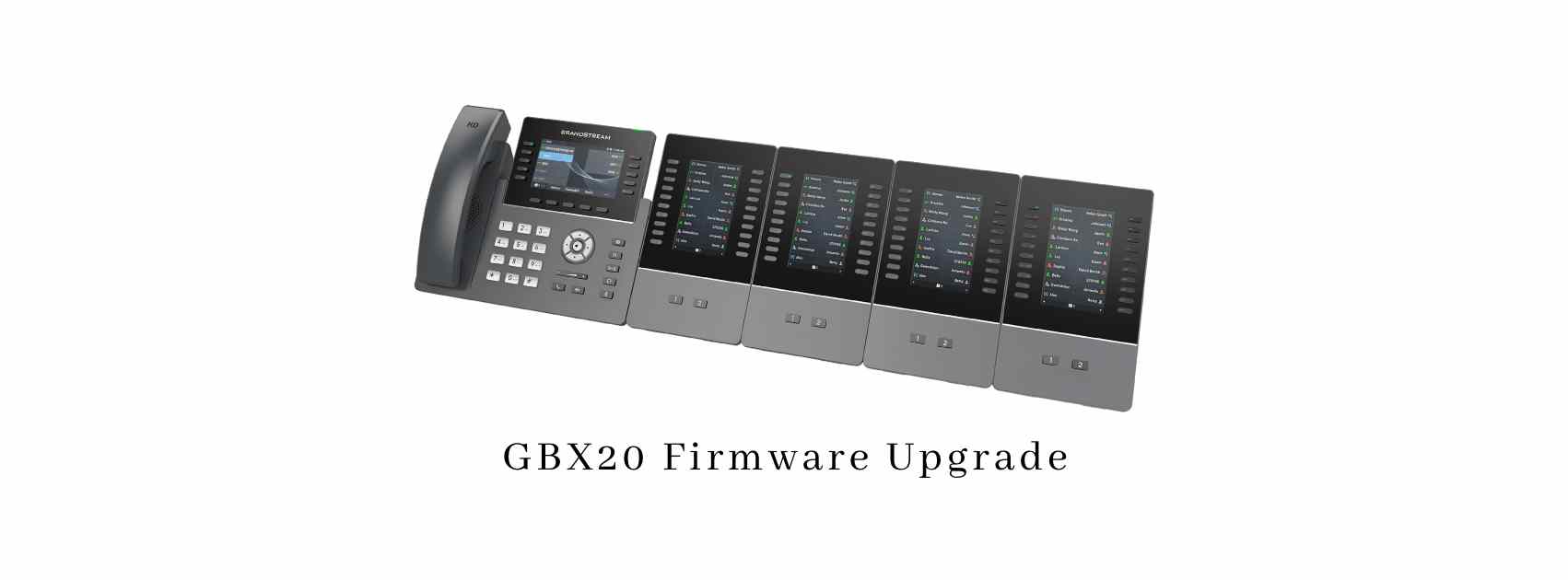
Grandstream GBX20 Extension Module Firmware Upgrade Failure

Grandstream GBX20 Firmware Upgrade

Description This article describes the troubleshooting steps to workaround the upgrade failure in the Grandstream GBX20 Extension module version 1.0.0.1. By default, the GBX20 firmware is upgraded by direct network download through the host phone (eg GXV3350 or GRP2615)’s network connection and GXV3350’s firmware upgrade setup. Ensure that you set firmware.grandstream.com on the GRP2615 Web … Read more

XML-Based Idle Screen Customization Guides for Grandstream GXP16XX/17XX/21XX Phones

XML Based Idle Screen Customization Guide for Grandstream GXP16XX Phone

Description The Grandstream GXP16xx supports XML-based idle screen customization. This XML API allows users to customize the idle screen layout as well as the logo, text, or system variables to be displayed. The design of the display and layout depends highly upon personal preferences and requirements. The document below specifies the Grandstream XML Customizable Screen … Read more